Creating an account
Sign up with email or Google, verify your email, and add a passkey - and the rules each field is checked against.
Your Perps Fund account is free to create and takes a minute. You sign up, verify your email, and you are ready to browse challenges. You do not add any funds to create an account or explore the platform: you only pay when you buy a challenge.
New here? Start with What is Perps Fund for the concept, then come back to this page to sign up.
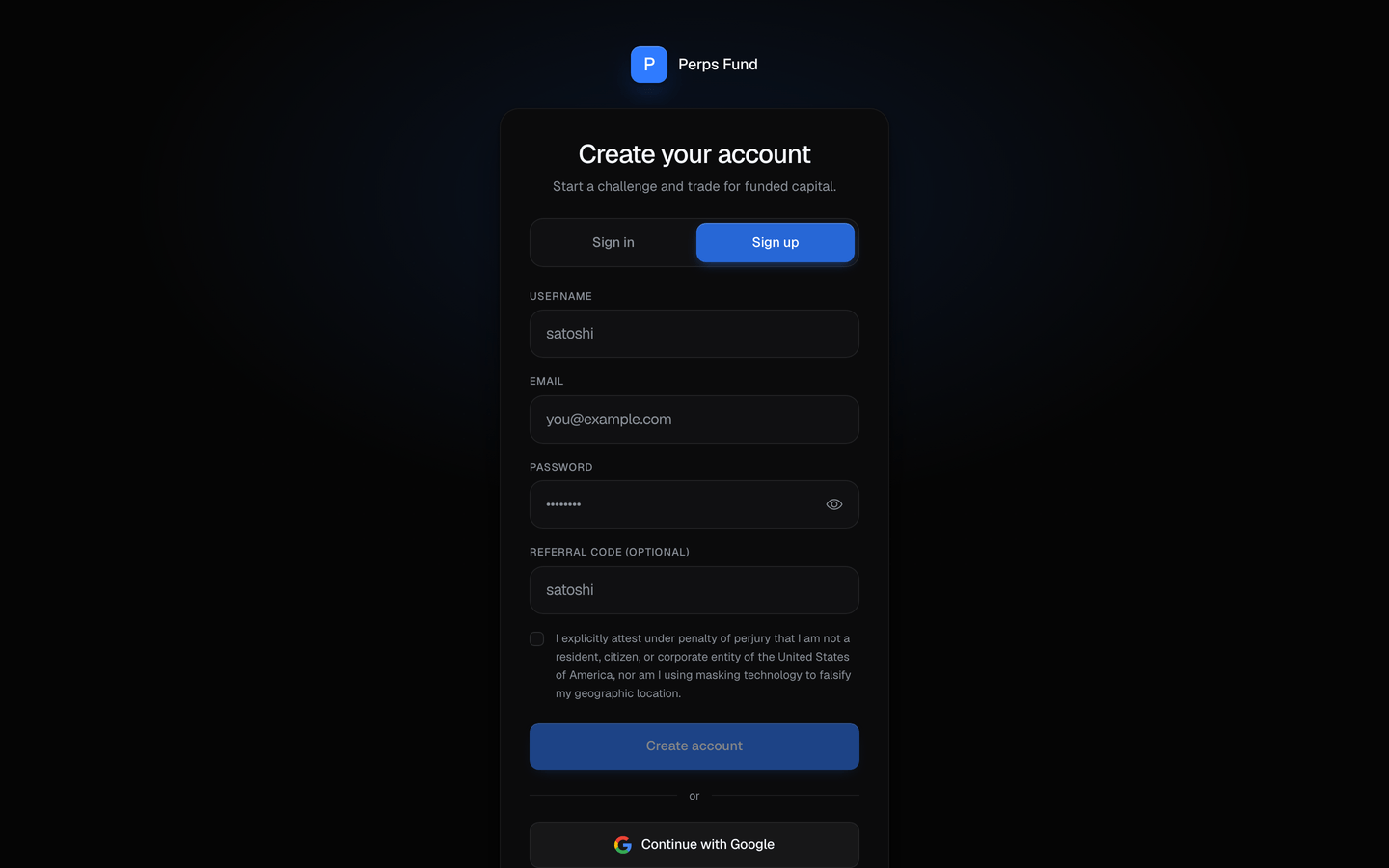
Sign up with email
Enter a username, an email, and a password on the sign-up page. Your username is your public handle, the name other traders see on your profile and the leaderboard, and you can change it later in Settings.
| Field | What it is |
|---|---|
| Username | Your public @handle - the name on your profile, the leaderboard, and anything you share. |
| Where your verification link and account emails are sent. | |
| Password | What you sign in with, unless you use Google. |
All three are checked by the same rules whether you are signing up or changing them later, so nothing you choose now can fail a stricter check afterwards.
Username rules
| Rule | What it means |
|---|---|
| Length | 3 to 20 characters. |
| Characters | Letters, numbers, hyphens, and underscores only, and it must contain at least one letter or number - so a handle of punctuation alone is refused. |
| Uniqueness | Handles are unique regardless of case, so Trader and trader cannot both exist. Your own capitalisation is kept and displayed as you typed it. |
| Screening | Because the handle is public, it is screened for slurs and vulgarity. The screen applies when you choose or change a handle and never re-checks one you already hold. |
| Changing it | Up to 2 changes per 14 days, from Settings. |
Email rules
| Rule | What it means |
|---|---|
| A real address | It must be a valid address, and its domain must be one that can actually receive mail. An obvious typo in the domain is refused at signup. |
| A permanent provider | Throwaway and disposable-mailbox providers are not accepted. If yours is refused you will be asked for a permanent address; this is checked at signup only and never affects an account you already have. |
Password rules
| Rule | What it means |
|---|---|
| Length | At least 8 characters. Length is the requirement that matters most - a long passphrase beats a short complicated one. |
| Not an obvious one | Common and easily-guessed passwords are refused. |
| Not your own details | It cannot be your email address or your username. |
| Not a known-breached one | It is checked against public breach data. Your password never leaves our servers for this: only a short, non-reversible fragment of its hash is sent, which cannot be turned back into the password. |
Why a refusal at signup is not a judgement
Every one of these checks refuses the input rather than flagging you, and each message says what to change. If a check refuses something you believe is fine - a work email on an unusual domain, for example - it is worth telling support rather than working around it.
Or continue with Google
Where Google sign-in is enabled, you can continue with Google instead of setting a password. A Google account arrives already verified, so it skips the email-verification step below. If you do not see a Google button, that option is not enabled and you sign up with email.
Verify your email
After you sign up with email, we send a verification link to your address. Open it to verify your account. If the link expires, you can request a fresh one.
Verify before you set up payouts
Email verification is required before you can add or change a withdrawal wallet, so verify before you set up withdrawals. Everything else, including browsing and buying a challenge, works right away.
Add a passkey (optional)
A passkey lets you sign in and clear security step-ups with your device (Face ID, a fingerprint, or a hardware key) instead of a code. It is optional, and you can add one any time from Securing your account.
Related
- What is Perps Fund - the concept, before you sign up.
- Securing your account - two-factor, passkeys, and sessions.
- The free trial - start a real evaluation for free once your email is verified.
- Buying a challenge - the next step once you are in.